Unlock the Power of Precision: Your Definitive Guide to Laser Cutting for Makers and Entrepreneurs
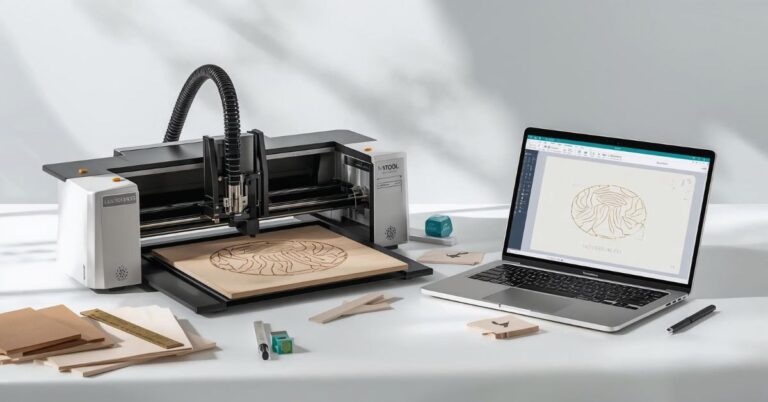
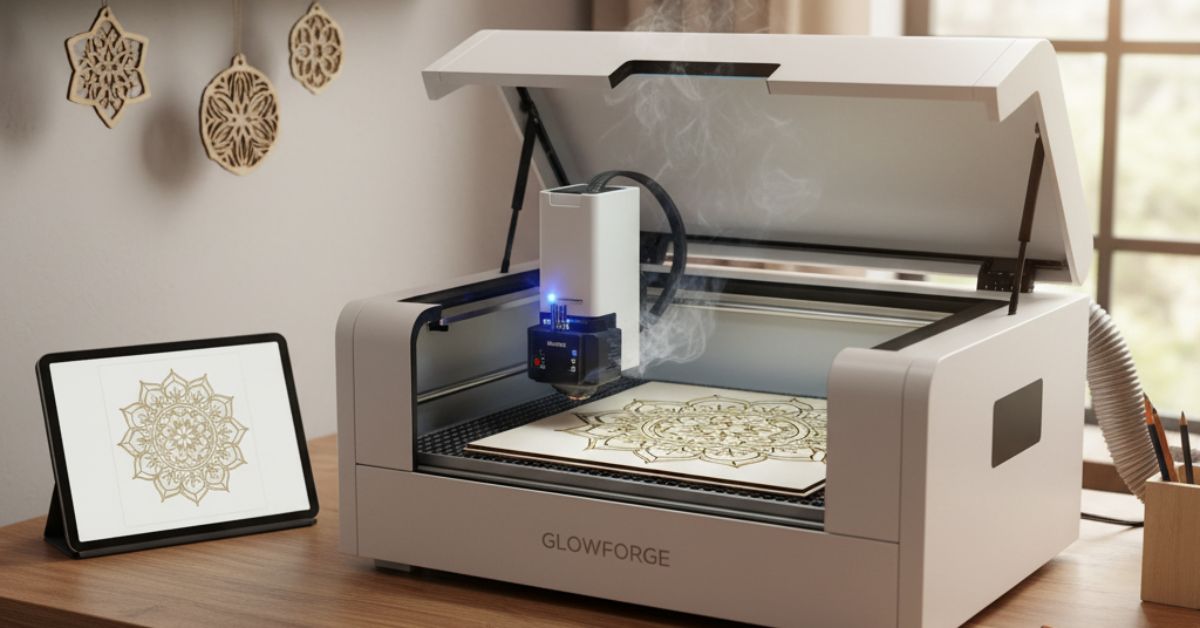
The crafting and manufacturing landscape has been fundamentally reshaped by one technology: laser cutting. What was once an expensive industrial process is now an accessible tool that empowers crafters, makers, and small business owners to create products of stunning precision and complexity. In 2025, the proliferation of user-friendly machines like Glowforge, xTool, and OMTech has driven an explosion in DIY laser crafts and micro-manufacturing.
If you’re ready to move beyond the limitations of traditional tools and unlock new levels of creativity and profitability, this comprehensive guide will walk you through the world of CNC laser cutting, from the core technology to the laser cut SVG files that fuel your machine.
The Fundamentals: What is Laser Cutting and Why it Matters
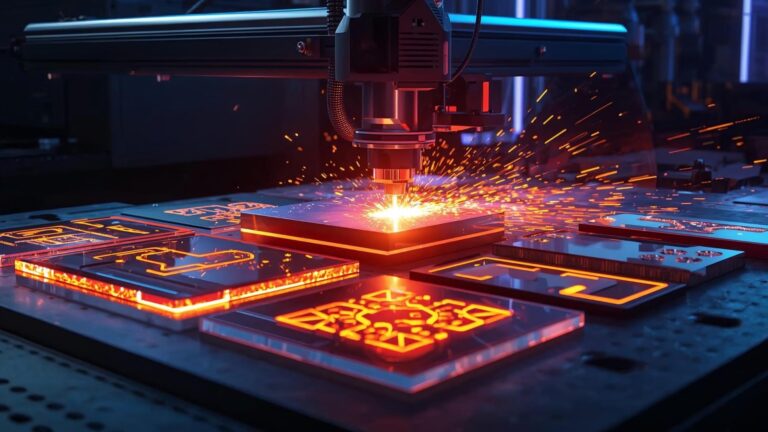
Laser cutting is a thermal process where a focused, high-power laser beam is used to cut, vaporize, or melt material along a digitally defined path. The process is entirely non-contact, meaning the only thing touching your material is the intense light beam itself.
Why the Popularity Surge in 2025?
The laser cutting revolution is fueled by several key factors that directly benefit the small business owner:
- Precision and Detail: Laser cutters can achieve tolerances far beyond what manual tools or even most CNC routers can, allowing for incredibly intricate laser engraving and precise interlocking parts.
- Speed and Consistency: Once a design is perfected, the machine can replicate it perfectly, hundreds of times, making large-batch production fast and reliable.
- Accessibility: Machines like the desktop Glowforge have made professional-grade cutting safe and simple enough for a home studio, while powerful benchtop units from xTool and OMTech offer industrial performance at a small business price point.
How Laser Cutting Machines Work
The heart of the operation is the laser source, which determines the machine’s capabilities and the materials it can process.
1. CO₂ Lasers
CO₂ laser machines use a mixture of gases (primarily carbon dioxide) stimulated by electricity to produce a high-power beam in the infrared spectrum.
- Best For: Non-metals like wood, acrylic, leather, glass, fabric, and paper.
- Popular Models: The workhorses from OMTech and the popular, plug-and-play simplicity of the Glowforge.
2. Diode Lasers
Diode lasers are compact, solid-state lasers that are highly affordable and often found in entry-level machines.
- Best For: Thin wood, dark acrylic, leather, and high-speed engraving.
- Popular Models: Many of the open-frame and small-enclosure machines from xTool.
3. Fiber Lasers
These are powerful, solid-state lasers that amplify a beam through a glass fiber. They are the industry standard for metalwork.
- Best For: Marking and engraving metals, and cutting thick sheet metal (though less common in hobbyist machines).
The Material Palette: From Wood Engraving to Acrylic Cutting
The selection of materials is where creativity truly takes off. Understanding which materials are safe and effective is the first step to producing high-quality laser cutting projects.
Essential Laser-Safe Materials:
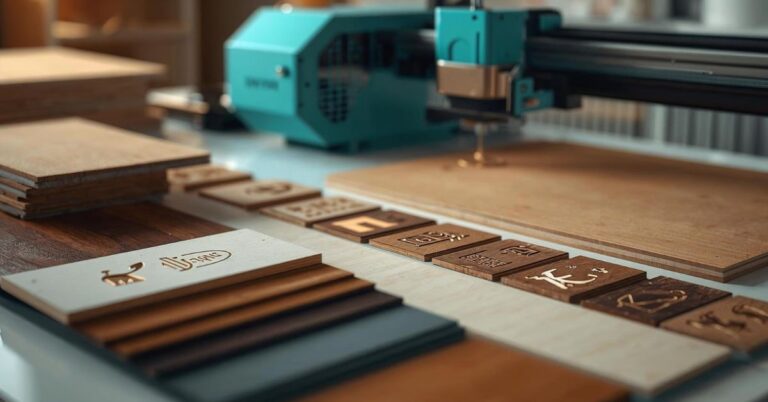
- Wood: Plywood (Baltic birch is popular), MDF, solid hardwoods (like maple and cherry). Excellent for deep wood engraving and cutting intricate shapes for laser cut home decor.
- Acrylic: Cast acrylic cuts beautifully, leaving a polished, flame-finished edge, making it ideal for jewelry and signage. Extruded acrylic is generally faster but can leave a slightly rougher edge. Essential for vibrant, colorful projects.
- Leather and Suede: Lasers cut leather perfectly and can apply stunning, precise brand markings or decorative etchings.
- Paper, Cardboard, and Fabric: Perfect for intricate invitations, stencils, and pattern cutting with sealed edges.
- Glass and Ceramic: Used exclusively for laser engraving, creating a frosted, elegant finish on glassware or tiles.
⚠️ A Critical Safety Warning
Never laser cut or engrave materials containing PVC or Vinyl (such as some forms of fake leather or cheap adhesive vinyl). When processed, these materials release chlorine gas, which is highly toxic to humans and corrosive enough to destroy your machine’s internal components and optics.
The Digital Blueprint: File Formats and Software
Your physical machine is merely a tool; the quality of your finished product is directly tied to the quality of your digital design. For laser cutting enthusiasts, mastering vector graphics is essential.
Why Vector Files are King
Unlike raster files (JPEGs, PNGs) which are pixel-based and lose quality when scaled, vector files use mathematical paths to define lines and shapes. The laser beam simply follows these paths, ensuring maximum precision and scalability.
- SVG (Scalable Vector Graphics): This is the gold standard and the most popular format for digital files for laser cutting. Laser cut SVG files are flexible, highly compatible with most machines (Glowforge, xTool, OMTech), and are perfect for selling online. Lasercutora.com specializes in providing clean, ready-to-use SVG templates in this exact format.
- DXF (Drawing Exchange Format): Highly common in engineering and CAD (Computer-Aided Design) software, often used for technical or mechanical parts.
- AI (Adobe Illustrator) & EPS (Encapsulated PostScript): Native file formats from professional design software that retain all vector information for complex designs.
Essential Software Tools
- Design Software (The Creator): Adobe Illustrator, CorelDRAW, or the free and powerful Inkscape are used to create your initial laser design ideas.
- Machine Control Software (The Operator):
- LightBurn: The industry-leading software for controlling most CNC laser machines, offering granular control over power, speed, and cutting layers. It is compatible with many OMTech and xTool models.
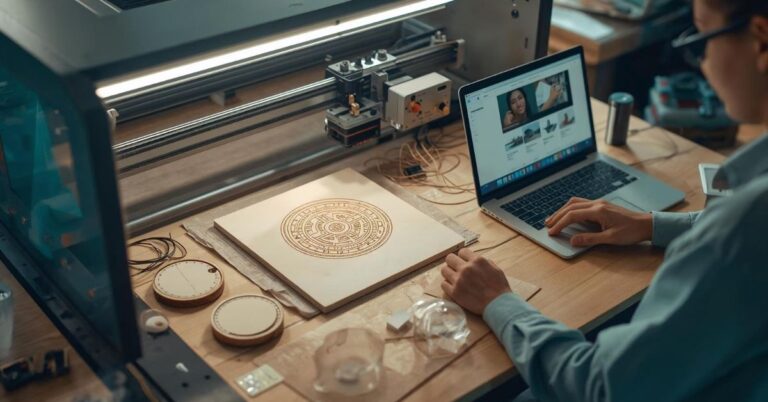
- Glowforge App/xTool Creative Space: User-friendly, proprietary software designed to make the process simple, often featuring a camera for easy material alignment.
Project Inspiration: Fueling Your Creative Fire
A thriving laser cutting business requires a constant influx of fresh ideas. The real magic happens when you combine precise acrylic cutting or wood engraving with creative layered SVG designs.
High-Demand Creative Projects:
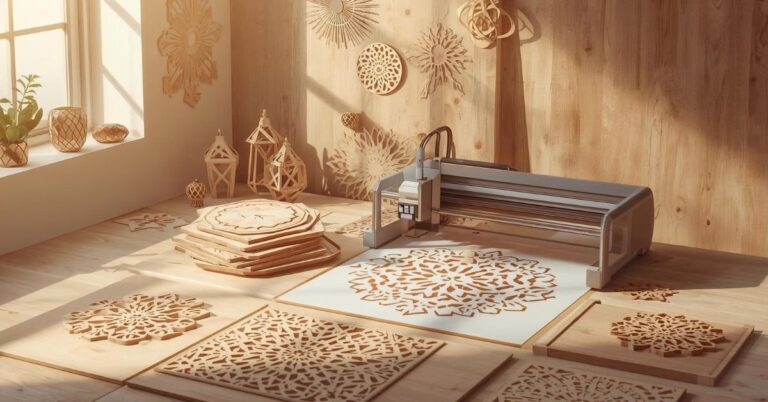
- Layered Wall Art: This is one of the hottest trends. By cutting 3 to 10 layers of different colored or stained wood/acrylic and stacking them, you can create stunning 3D depth. Lasercutora offers beautifully layered SVG designs for laser cutting enthusiasts, perfect for creating mesmerizing laser cut wall art like mandalas, wildlife scenes, or geometric pieces.
- Laser Cut Home Decor: Personalized door signs, engraved cutting boards, geometric shadow boxes, and custom picture frames remain best-sellers.
- Jewelry and Accessories: Lightweight wooden earrings, layered acrylic pendants, and personalized leather patches. The speed of the laser allows for high-volume production of these small, profitable items.
- Seasonal Ornaments: Holiday-themed laser cutting patterns for Christmas, Easter, and Halloween are major revenue drivers. You can find ready-to-cut laser files at Lasercutora.com to meet seasonal demand instantly.
From Maker to Mogul: Starting a Laser Cutting Business
The path to turning your laser hobby into a profitable venture has two primary routes, and many entrepreneurs successfully blend both.
1. Selling Finished Products
This route involves purchasing materials, cutting the designs, assembling, finishing, and shipping the final product.
- Pros: Higher profit per item, ability to offer custom, bespoke work, direct control over quality.
- Focus: Niche specialization (e.g., custom wedding favors, high-end pet accessories).
2. Selling Digital Files & Templates
This involves creating and selling laser cut SVG files and SVG templates that other makers and small businesses can use to produce their own finished products.
- Pros: Low overhead (no material or shipping costs), passive income stream, highly scalable.
- Focus: Exceptional design quality, clear tutorials, and commercial licensing options. Platforms like Lasercutora.com demonstrate the potential of this model by providing a wealth of high-quality digital files for laser cutting to a global maker community.
Tip for Success: Whichever path you choose, high-quality laser machine tutorials are an invaluable resource for dialing in settings for your specific machine (Glowforge, xTool, OMTech) and materials.
Safety First: Maintenance and Best Practices
A powerful laser requires vigilance. Maintaining your machine properly not only extends its life but is critical for safety.
Essential Safety Protocols
- Never Run Unattended: The number one rule. Wood and other materials can flare up instantly. Keep a CO₂ fire extinguisher nearby and always stay in the room while the laser is running.
- Proper Ventilation: Cutting and engraving create smoke and fumes. A quality exhaust system or fume extractor is essential to protect your health and keep the workspace clean.
- Use Air Assist: An air-assist system directs a stream of air at the cutting point, preventing flare-ups, reducing charring, and ensuring cleaner cuts.
Machine Maintenance Tips
- Clean Optics Daily: The lens and mirrors inside your machine are its most critical and delicate parts. Dust and smoke residue significantly degrade power. Use specialized lens wipes and cleaner for daily cleaning.
- Clean the Bed: Remove all small cut pieces and residue from the honeycomb or slat bed after every major project to eliminate fire hazards.
- Water Cooling Check (CO₂ Lasers): Always monitor the temperature of the chiller/water pump for your CO₂ laser. Overheating can severely damage the laser tube.
The Future is Layered: Latest Laser Cutting Trends
To succeed in the current market, your laser design ideas must align with consumer demand.
- 3D Layered Designs: The trend of layered SVG designs is dominant. Consumers crave the depth and dimension that stacked wood or acrylic provides, moving beyond flat prints and simple etchings. This creates high-value laser cut wall art that commands premium prices.
- Hyper-Personalization: The ability to add custom names, dates, and photos to almost any item is a non-negotiable expectation. Businesses that offer easy personalization thrive.
- Integrated Electronics: Projects that incorporate LED lights into layered acrylic or wood (backlit signs, infinity mirrors) are becoming hugely popular in the laser cut home decor space.
Final Cut: Start Designing Today
Laser cutting is the perfect blend of digital design and tangible creation. It offers crafters a tool for precision and entrepreneurs a scalable path to profit. Whether you are using a Glowforge in your spare room, an xTool in your garage, or an OMTech in your workshop, the most critical element remains the design file.
Don’t spend hours painstakingly designing from scratch when you can immediately access professional, proven laser cutting patterns. Jumpstart your production, explore new techniques, and master the art of the layered SVG design instantly.
Visit www.Lasercutora.com today to browse an extensive collection of high-quality, commercially-licensed laser cut SVG files and essential laser machine tutorials tailored specifically for the modern maker. Turn your creative passion into a profitable reality!