⚙️ The Ultimate Guide to Laser Cutting Materials
Discover the best materials for laser cutting and engraving — from wood and acrylic to leather and metal. Learn how to choose the right material for your next project with tips from Lasercutora.
✨ Introduction
Choosing the right material is one of the most important parts of any laser-cutting project.
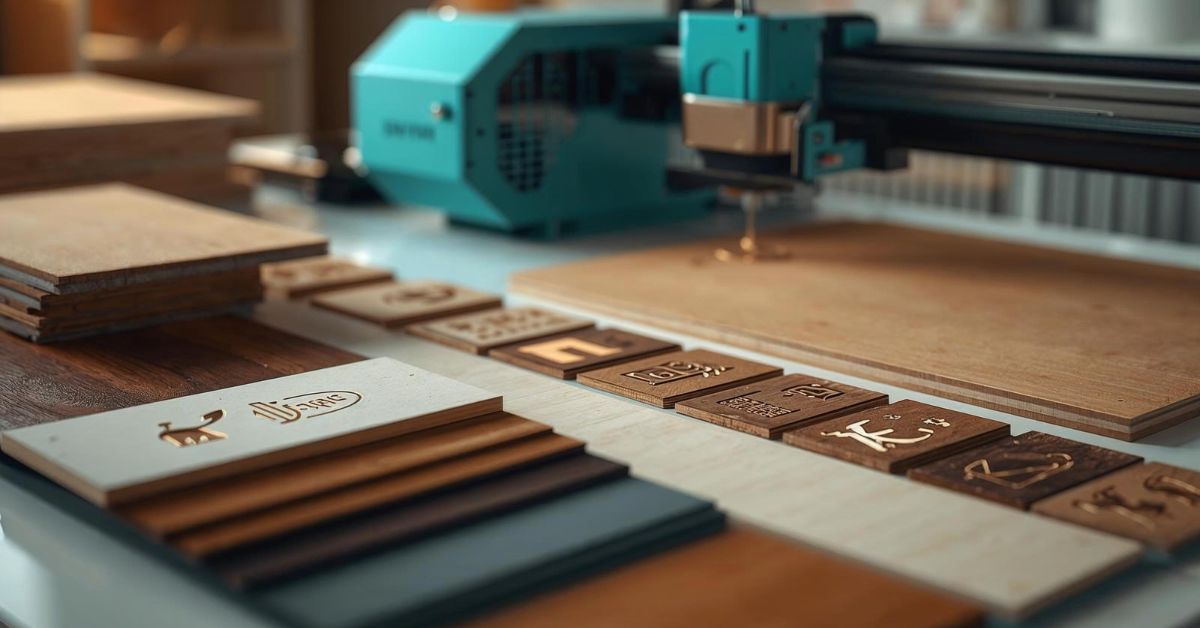
Different materials react differently to the laser — some cut smoothly, while others engrave beautifully or produce unique finishes.
In this ultimate guide, we’ll walk you through the most popular laser cutting materials, their pros and cons, and tips for achieving the best results.
🪵 1. Wood — The Maker’s Favorite
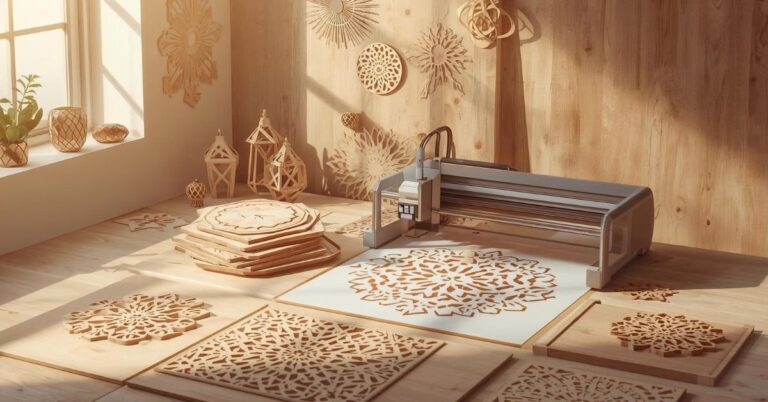
Wood is the most common and beginner-friendly material for laser cutting.
✅ Best Types:
- Birch plywood – smooth surface, ideal for detailed cuts.
- Basswood – lightweight and easy to engrave.
- MDF – affordable but produces more smoke (use proper ventilation).
💡 Tips:
- Use masking tape to avoid burn marks.
- Test different speed and power settings to prevent overburning.
🔥 Perfect for:
- Ornaments & holiday décor
- Signs & nameplates
- Jewelry & keychains
💎 2. Acrylic — For a Modern, Clean Look
Acrylic is popular for its sleek, professional finish and bright color options.
✅ Best Types:
- Cast acrylic – engraves with a frosty look.
- Extruded acrylic – cuts cleanly but doesn’t engrave as deeply.
💡 Tips:
- Avoid strong air assist — it can blow back molten acrylic.
- Remove protective film after engraving to avoid scratches.
🔥 Perfect for:
- Signs, displays, LED lamps, and awards.
🪶 3. Leather — Elegant and Durable
Laser-cut leather creates premium-looking accessories and patterns.
✅ Works Best With:
- Genuine leather (vegetable-tanned)
- Faux leather (check for PVC-free types)
💡 Tips:
- Avoid PVC materials — they release toxic fumes.
- Use lower power for engraving fine textures.
🔥 Perfect for:
- Wallets, jewelry, keychains, and custom tags.
🧱 4. Paper & Cardboard — For Prototyping and Crafts
Affordable, lightweight, and perfect for testing designs or making decorations.
💡 Tips:
- Use high speed + low power to avoid burns.
- Great for stencils, invitations, packaging, and mockups.
🪙 5. Metal — For Engraving (Not Cutting)
Most desktop laser cutters can engrave, not cut, metal.
✅ Suitable Metals:
- Stainless steel
- Aluminum
- Anodized metals
💡 Tips:
- Use marking spray or coating for darker engraving results.
- Perfect for tags, tools, and branded products.
🧵 6. Fabric & Felt — For Soft, Custom Designs
Laser cutting fabric produces clean, sealed edges without fraying.
✅ Works Great With:
- Cotton, polyester, felt, denim, and canvas.
💡 Tips:
- Always test on scraps first — fabrics vary in thickness.
- Avoid burning synthetics (use ventilation).
🔥 Perfect for:
- Home décor, clothing patches, and art projects.
🧩 Final Tips for Choosing Materials
✅ Always check laser compatibility (some materials are unsafe).
✅ Keep your machine clean to avoid residue buildup.
✅ Adjust your speed/power ratio to get clean cuts with minimal charring.
✅ When in doubt, start with wood or acrylic — they’re the most forgiving for beginners.
🛍️ Ready to Cut?
At Lasercutora.com, we provide tested, precision-ready SVG files made for all major laser materials — wood, acrylic, leather, and more.
Explore our collections and start your next project today!